

Starter
Freelancers and small teams
$9/month
or $90 a year (2 months free)
- Up to 3 team members
- Your own private board
- Unlimited cards and columns
- Notes, activity history and archive
- Email support
Loading…
KanBan boards for teams
A private KanBan board for your company. Drag cards through your workflow, assign them, add notes, and see every change in one place, on any computer or phone.
From $9 a month per company · not per person · first 14 days free
Details
Simple enough to start in minutes, with the detail you need when someone asks "where is that request?"
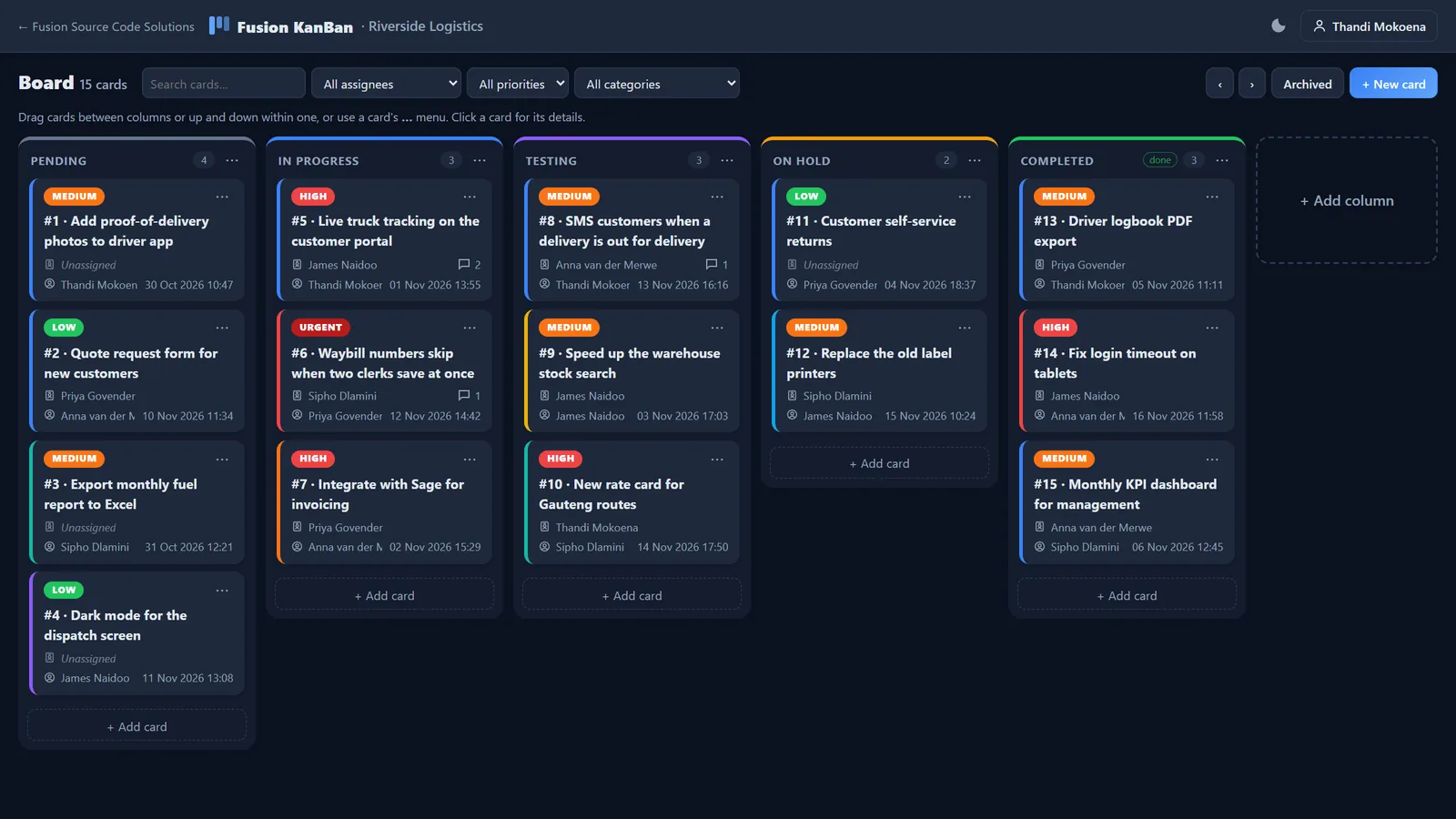
Pending, In Progress, Testing, On Hold and Completed to start with. Drag cards across, or up and down to set the order.
Number, title, priority, category, description, who asked for it, who is on it, and when it was submitted and updated.
Discuss a request on its card. Every change (moved, reassigned, re-prioritised) is logged with who did it and when.
Add, rename, recolour, reorder and remove columns so the board matches the way your team works.
Clear finished cards off the board with one click, and bring them back from the archive whenever you need them.
Add colleagues as members or owners. Each company gets a private board that only its own people can see.
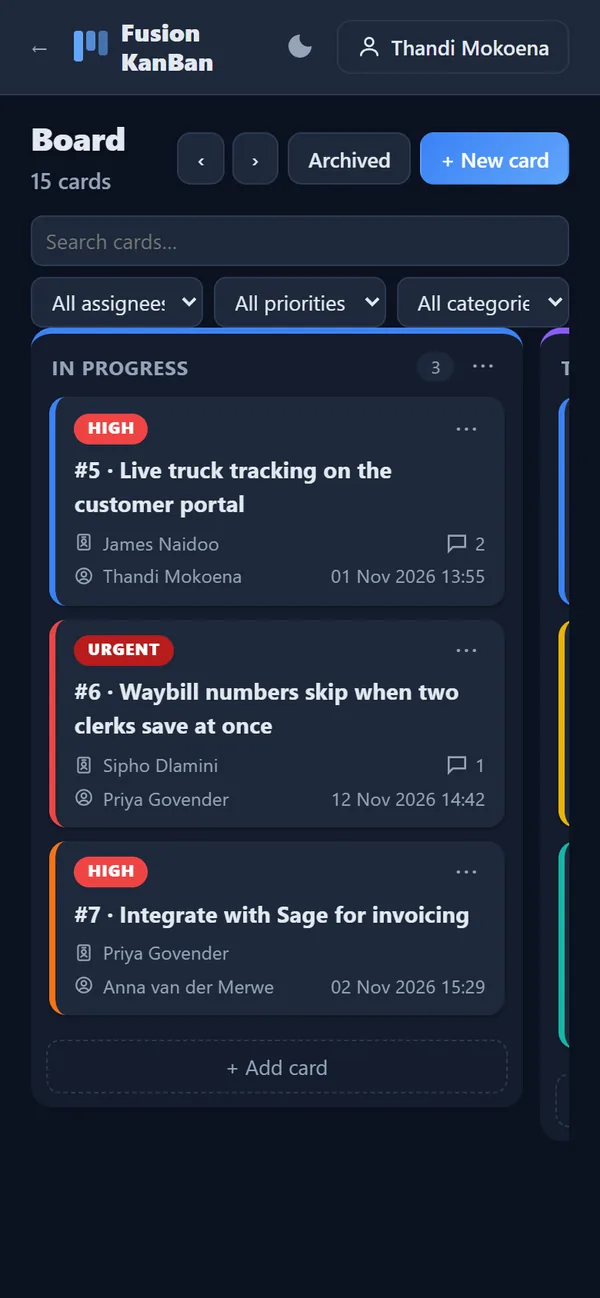
Works in any browser, on computers, tablets and phones. Your board is private to your company, and we do not sell or share your data.
Screenshots
Shown with example data. Click a picture to see it full size.
Pricing
Every plan has every feature. Pick the one that fits the size of your team, and move up or down whenever you like.
Your first 14 days are free. Register, and we'll set you up on the plan you choose.
Freelancers and small teams
$9/month
or $90 a year (2 months free)
Growing teams
$19/month
or $190 a year (2 months free)
Larger teams and departments
$39/month
or $390 a year (2 months free)
Prices are in US dollars, invoiced monthly or yearly. Cancel any time; you can ask us for an export of your cards. More than 25 people, or need something custom? Get in touch and we'll quote.
Questions
A Kanban board shows work as cards moving through columns, such as Pending, In Progress, Testing, On Hold and Completed. Everyone can see what is waiting, what is being worked on and what is done.
No. You pay one price per company: $9 a month for up to 3 people, $19 for up to 10 and $39 for up to 25. Pay yearly and you get two months free.
Yes. Company owners can add, rename, recolour, reorder and remove columns, and mark any column as a completed column whose cards can be archived.
Yes. Fusion KanBan works in any browser on computers, tablets and phones. On a phone you move cards from their menu instead of dragging.
Yes. Each company gets its own board that only its own team can see, and we do not sell or share your data.
Register your company with its name, your email and a password. We approve it, email you, and your board is ready with the five default columns. The first 14 days are free.
Sign in, or register your company. Your first 14 days are free.
We will review it and email you as soon as your access has been approved. You can then sign in with the email address and password you just chose.
Fusion KanBan is built by Fusion Source Code Solutions, Durban, South Africa.
Drag cards between columns or up and down within one, or use a card's … menu. Click a card for its details.
People you add here can sign in straight away. Give them the password you set, and ask them to change it under My account.
Registrations, plan requests, trials, paid plans and gift subscriptions for every Fusion app (KanBan included) are managed in one place: Admin > Subscriptions on the website.
Fusion KanBan
Your cards are kept.